The latest 0.3.2. update brings improved reliability, automated setup, AI model control, and exciting new examples to inspire your next creation. From smarter updates to better hardware visibility, everything is designed to make coding easier and more powerful with your Arduino UNO Q.
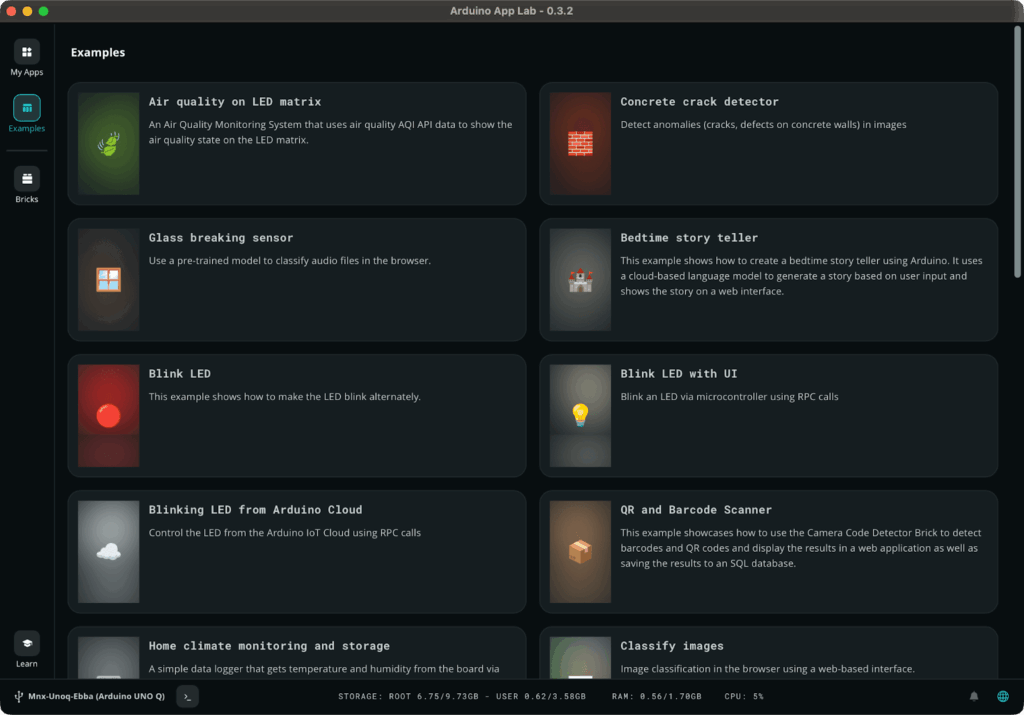
Arduino App Lab 0.3.2 user interface
1. A smarter, more reliable update flow
We’ve made sure you never get left behind by fixing the “stuck” update issues for Windows users.
Arduino App Lab now includes programmatic retries for update checks and provides detailed error messages if something goes wrong.
While you can now skip most updates, we’ve kept “mandatory” updates for critical Arduino fixes to ensure your system stays secure.
2. Automated dependency management
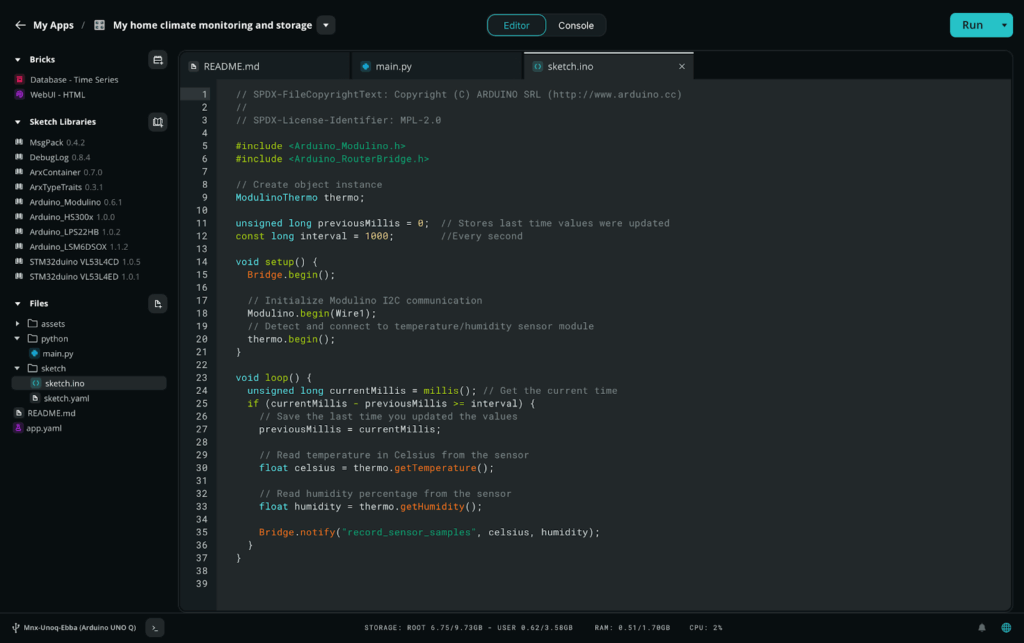
App Lab 0.3.2 with automatic installed library dependencies
No more manual hunting for Sketch libraries! Arduino App Lab now automatically installs required Sketch library dependencies.
A new pre-run check verifies that all mandatory parameters are set for Bricks, preventing Arduino App Lab from running into errors before it even starts.
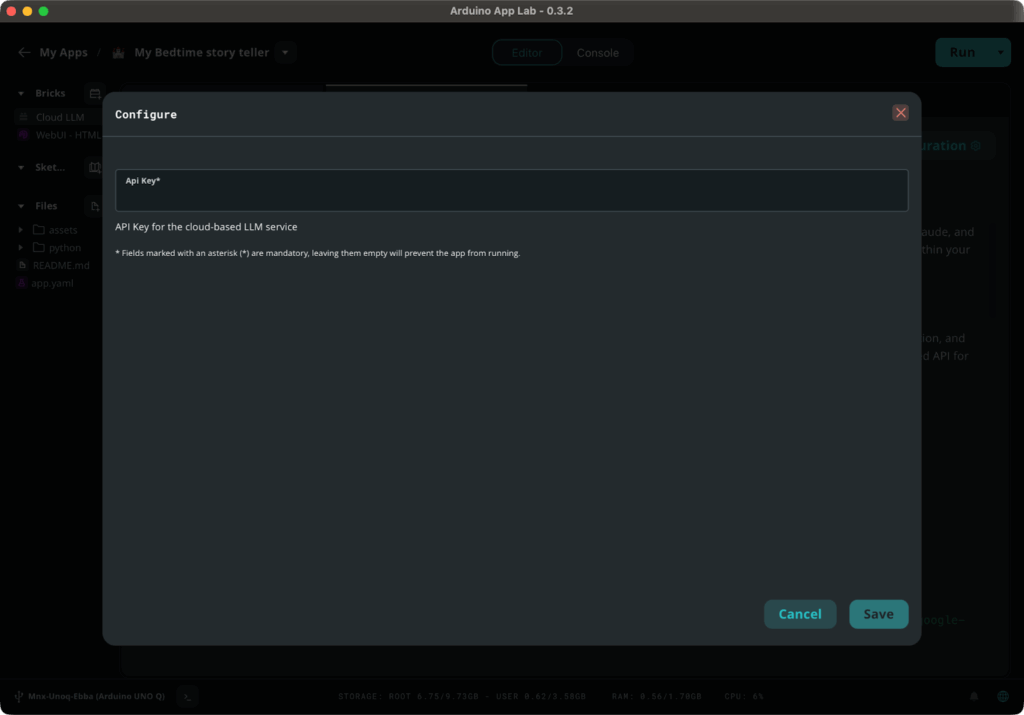
App Lab 0.3.2 Bricks configuration
3. Integrated AI model control
You can now dive deeper into AI with new model cards that show specific brick details. You also have the flexibility to select exactly which AI model you want to use for a given brick, giving you more control over your smart projects.
4. Editor enhancements
We’ve fixed the file system so you can easily create files even within newly created or empty folders.
Desktop users can also launch a terminal emulator directly from the footer to interact with the Arduino UNO Q from its Linux console.
5. Better hardware visibility and support
Connecting to your board is now more transparent. It is also easier to select the correct board when you have multiple ones connected to the PC or available on the network.
We also improved error handling by suggesting hardware connection checks if the connection fails.
New examples available in Arduino App Lab
- Bedtime story teller: This example shows how to create a bedtime story teller. It uses a cloud-based language model to generate a story based on user input and shows the story on a web interface.
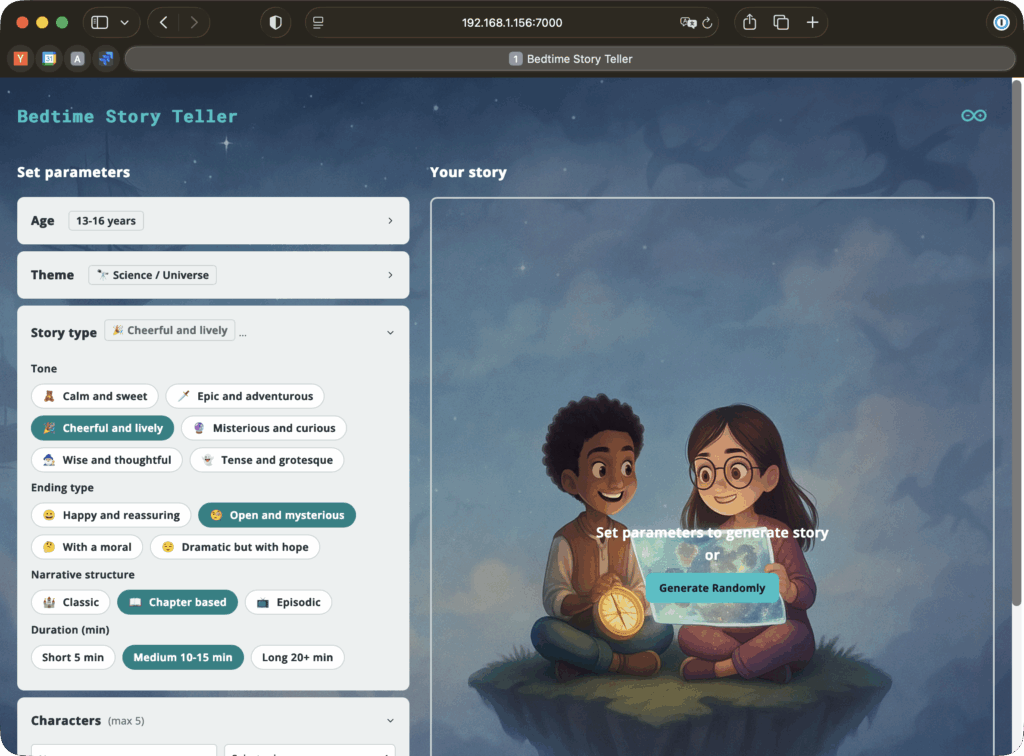
New bedtime story teller example in Arduino App Lab
- Theremin simulator: A simple Theremin simulator that generates audio based on user input. This example turns your web app into a simple electronic instrument by mapping cursor position to pitch and amplitude. Using the Web UI brick and the new wave generator brick, it enables near real-time sound generation on the UNO Q board, all built in Python.

New theremin simulator example in Arduino App Lab
- Object hunting: Detect a list of objects to win the game.
- Fan vibration monitoring: Monitor fan vibrations and detect anomalies.
- LED matrix painter: This example provides a simple paint interface for LED matrix, featuring a drawing canvas, tools for drawing and erasing pixels, and a panel for saving frames.The goal is to design animation frames for an LED matrix. It provides a web interface where users can design frames and animations and export them as C/C++ code.
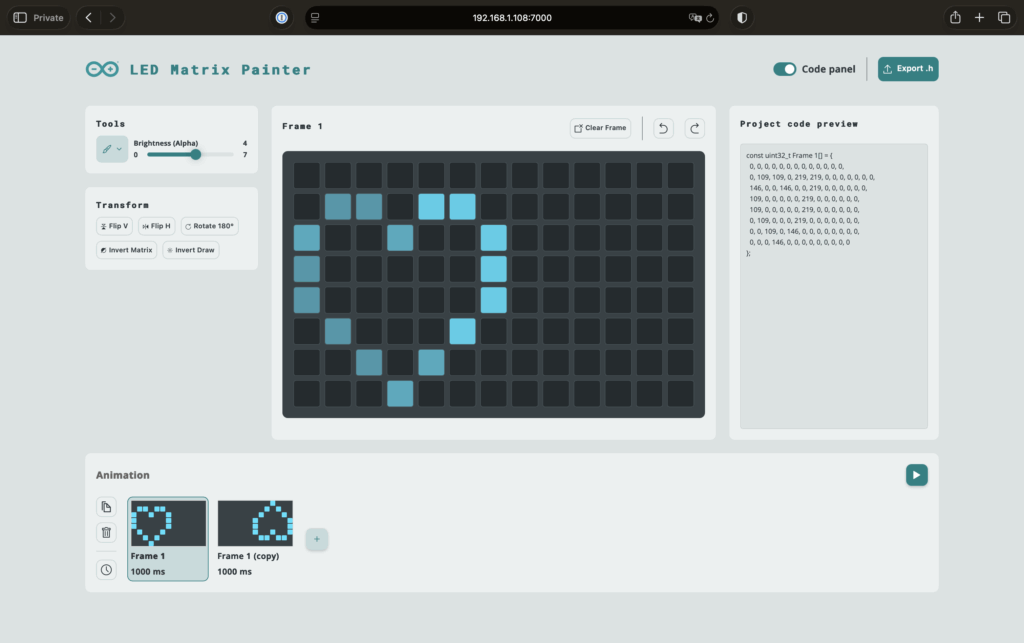
New LED matrix painter example in Arduino App Lab
- Mascot jump game: An endless runner game where you jump over electronic components with the LED character.
We’ll dive even deeper into these examples soon, stay tuned!
Your feedback matters
We’re working hard to improve stability, and your feedback is essential. Please keep sharing bugs, issues, and ideas via the forum.
Want to explore the details behind this release? Visit our GitHub repository. Please note that the repository is newly open-sourced and currently contains limited information. Comprehensive documentation and updates will be added over time, so check back regularly for more resources.
Download the latest Arduino App Lab version here.
The post Introducing the latest Arduino App Lab updates and examples appeared first on Arduino Blog.
Read more here: https://blog.arduino.cc/2025/12/22/introducing-the-latest-arduino-app-lab-updates-and-examples/