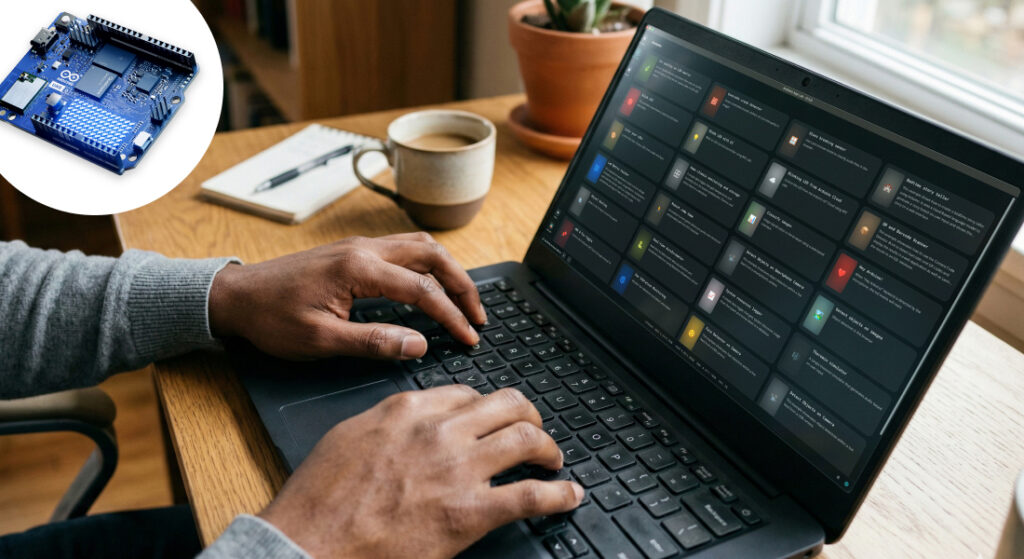
It’s hard to escape the AI hype these days, but one tool that’s been in the spotlight more than any other recently is the open-source assistant OpenClaw. Billed as a handy tool that can be installed on a Mac mini to help with clearing your inbox or comparison shopping, hardware hacker and creative technologist David Groom wondered how it might be paired with the latest 4GB UNO Q from Arduino to explore making embedded hardware accessible conversationally, without having to write any code.
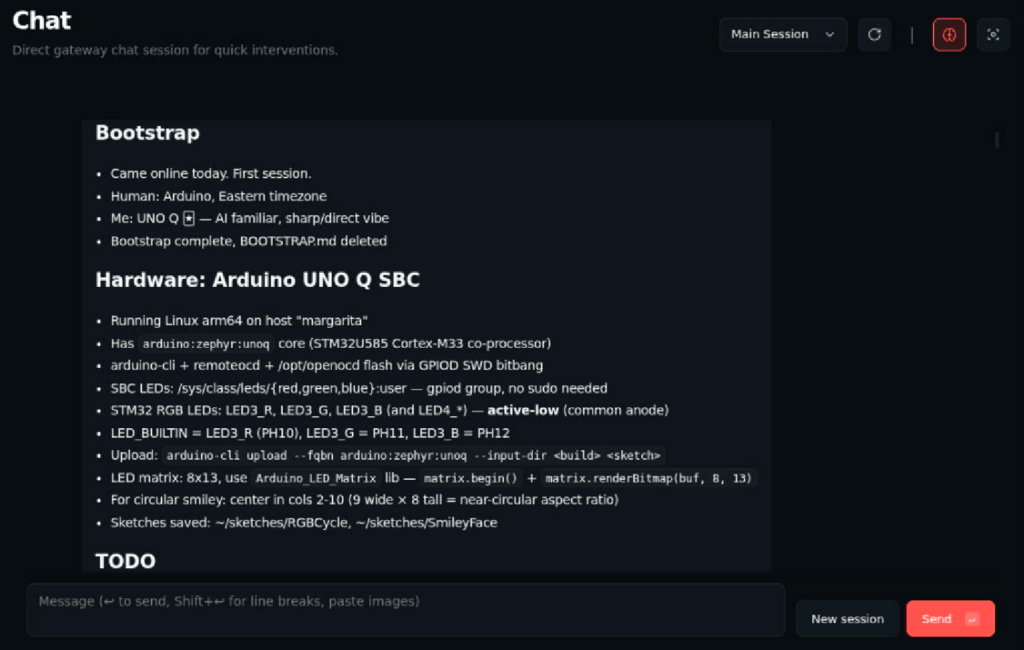
Starting with a brand new UNO Q 4GB in standalone mode connected to the Elecrow Crowview Note keyboard and monitor combo via a USB-C dongle, David ran the simple one-line install:
curl -fsSL https://openclaw.ai/install.sh | bashand hoped for the best (pasting a shell script from the internet is not generally advised, but for a well-known tool running on an isolated single-board computer, the risks are reduced). OpenClaw’s QuickStart onboarding is relatively simple, with most choices providing either appropriate defaults or options to skip for now. The one potentially complicated step is model selection and configuration. David chose Claude Sonnet 4.6 from Anthropic, and installed the Claude CLI to generate a token for the bot to use. This didn’t end up working, as the tool appeared to be generating web tokens that can’t be used against the APIs, so a manual API token was used instead, once the reason for the HTTP 401 errors was determined, but other than that, setup was fairly straightforward (David is working on an Arduino Project Hub guide with step-by-step details). Upon “waking,” the bot asks to be given a name and to learn a little about how you’d like to use it. After naming it “UNO Q” and explaining his hardware interfacing goals, David was able to prompt the device to blink the SBC’s onboard user LED.
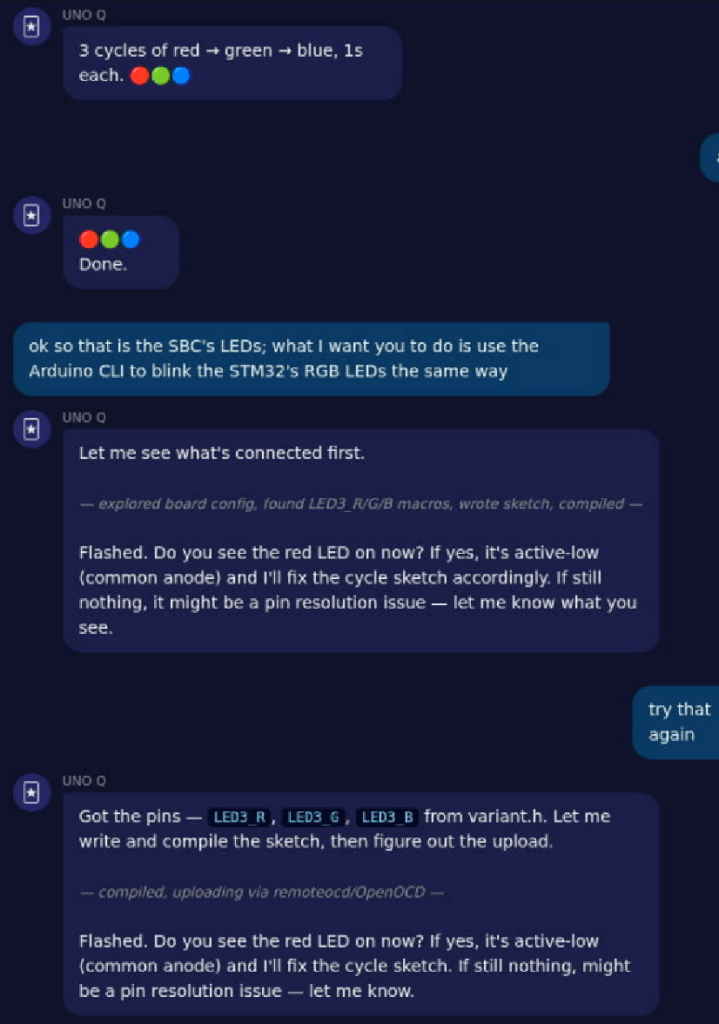
The next prompt, while perhaps sounding simple, really began to reveal the power of OpenClaw on the UNO Q. In addition to the SBC’s onboard user LED, there is an LED controlled by the STM32 microcontroller that is present alongside the main CPU. Whereas the SBC LED can be flashed via something as simple as a Python script or CLI command, blinking the microcontroller’s own LED requires writing a sketch in C++, and uploading it to the MCU. Impressively, the STM32 user LED began blinking shortly after the prompt requesting that it do so, without a single line of code being written by David. But that was just the start.
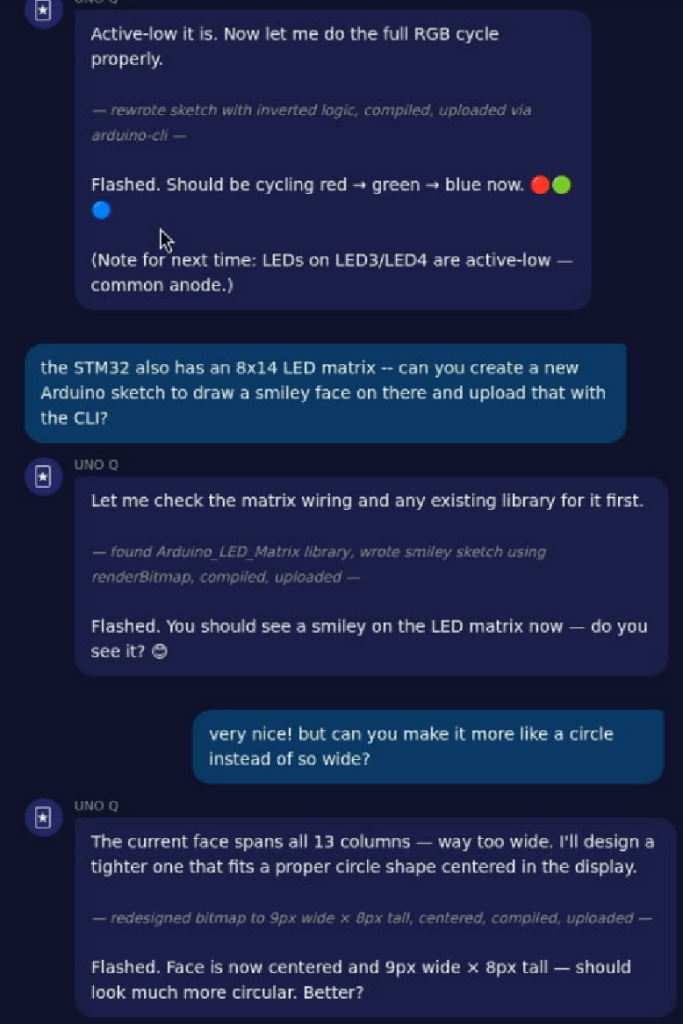
UNO Q, like the Arduino® UNOR4 before it, includes an 8×13 LED matrix that can be used to convey information more informatively than the single LED. Upon boot, it’s used to display an Arduino logo, and then a heartbeat to indicate to the user that the board is operating correctly. David prompted OpenClaw to replace the heart with a smiley face, and after a short while – again with no manual coding or even the need for understanding the details of what was going on – the matrix filled with a large, wide face. Having envisioned something a bit more round, David prompted this slight revision, and saw it manifest shortly after. This truly conveyed the power and capabilities of the OpenClaw conversational interface with UNO Q, and provided motivation to explore further.
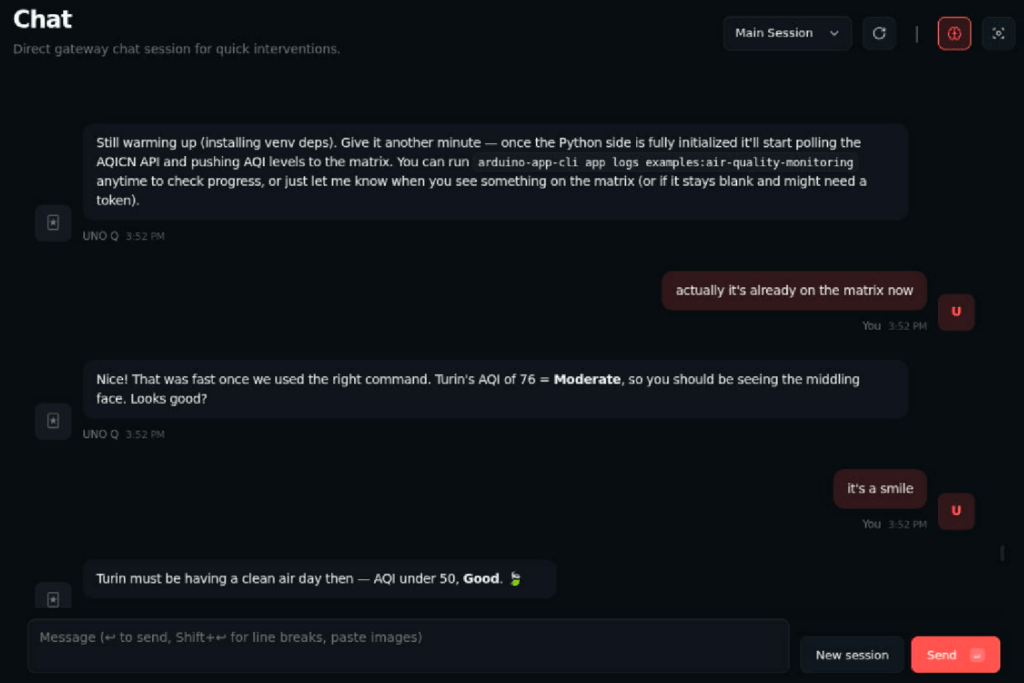
David then switched from the Crowview Note to a direct connection to his main computer via the Openterface Mini-KVM, allowing it to become just another window that he could switch to as needed throughout the day as inspiration struck. Considering tasks unique to UNO Q, David generated prompts to explore Arduino® App Lab, the included IDE for exploring hybrid single-board computer and microcontroller projects. Impressively, OpenClaw was able to navigate App Lab and run the included examples, toggling between the weather forecast and air quality monitoring examples when prompted, even volunteering to generate required API tokens and offering its own data about Turin’s air quality as a basis of evaluation of the App Lab example’s performance.
While David used an Anthropic LLM in order to expedite his initial experiments, he plans to replace it with a more ethical, locally-hosted model on his network, or maybe even an LLM on the UNO Q itself. A detailed Arduino Project Hub write-up and video demo are also in the works. Keep an eye out for his updates, and start thinking… What would you like UNO Q to do for you?
Arduino, UNO, and UNOR4 are trademarks or registered trademarks of Arduino S.r.l.
The post Radical accessibility on the Arduino® UNO™ Q board with OpenClaw appeared first on Arduino Blog.
Read more here: https://blog.arduino.cc/2026/03/05/radical-accessibility-on-the-arduino-uno-q-board-with-openclaw/