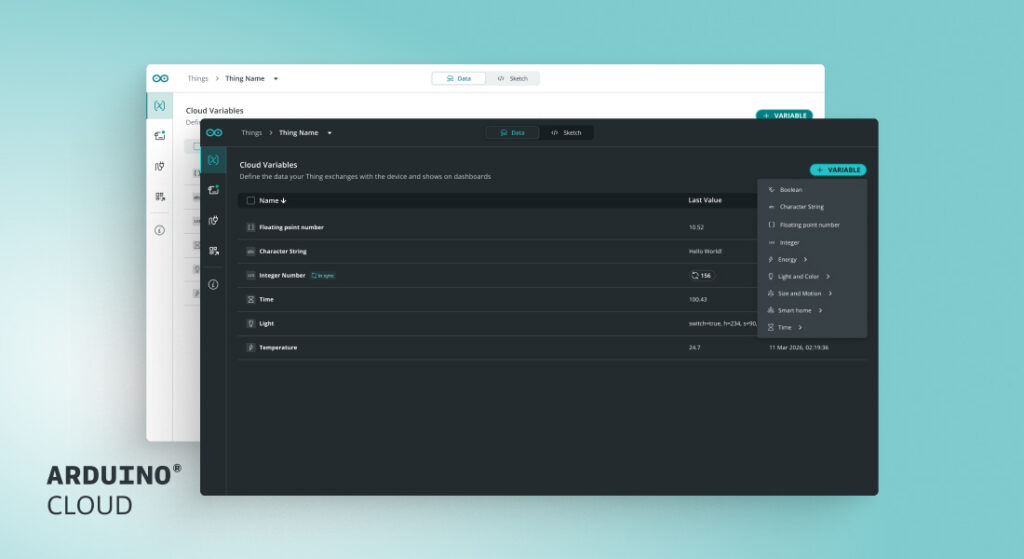
We’ve been working on some updates to Arduino Cloud that honestly make the whole experience better. Dark theme? Finally. A way to undo deletes? Yes. And we completely rebuilt the Thing Page so you don’t have to jump between a million tabs anymore. Here’s what changed.
Dark theme is finally here
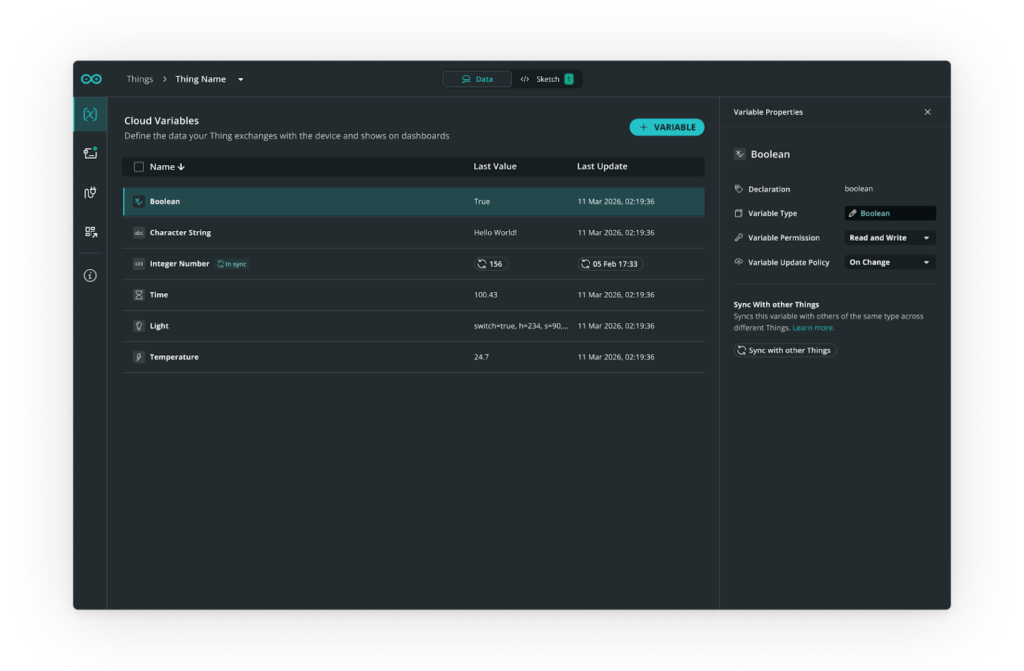
Arduino Cloud offers a dark theme across the entire platform
Okay, this one’s been requested forever, and we finally did it. Arduino Cloud now has a proper dark theme across the entire platform – home, dashboard, Cloud Editor, Things, Devices, Triggers, everything.
We didn’t just flip some colors around and call it done. We actually went through and redesigned the visual experience to make sure it looks good and stays readable when you’re coding at 2 AM. The app defaults to light mode, but you have full control. You can sync it with your OS settings, or just toggle to dark mode whenever you want.
We’re also planning to add custom color themes for Pro and Education organizations down the road.
New sidebar with Trash
We redesigned the sidebar to make it cleaner and easier to use, but the real win here is the new Trash section. Now when you delete something, it’s not just gone into the void forever. You have the ability to restore a deleted operation.
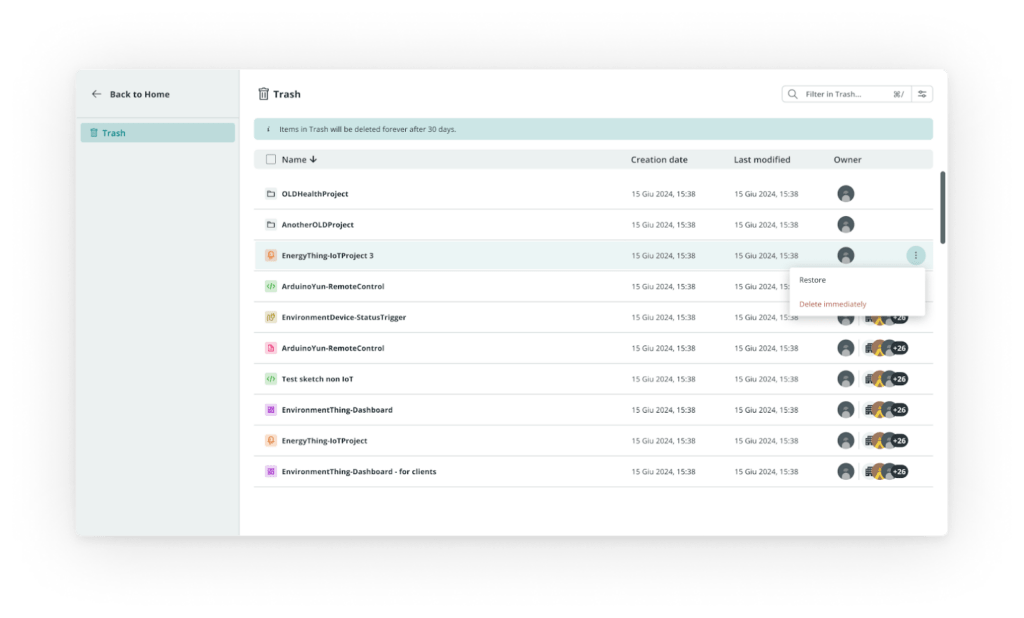
You can now restore deleted dashboards, Things, triggers and sketches from your Trash
Dashboards, Things, Triggers, Sketches – they can all be recovered now. We figured if we’re building tools this powerful, they should also be forgiving. You should be able to experiment without the risk of breaking something permanently.
The Thing Page: rebuilt from scratch
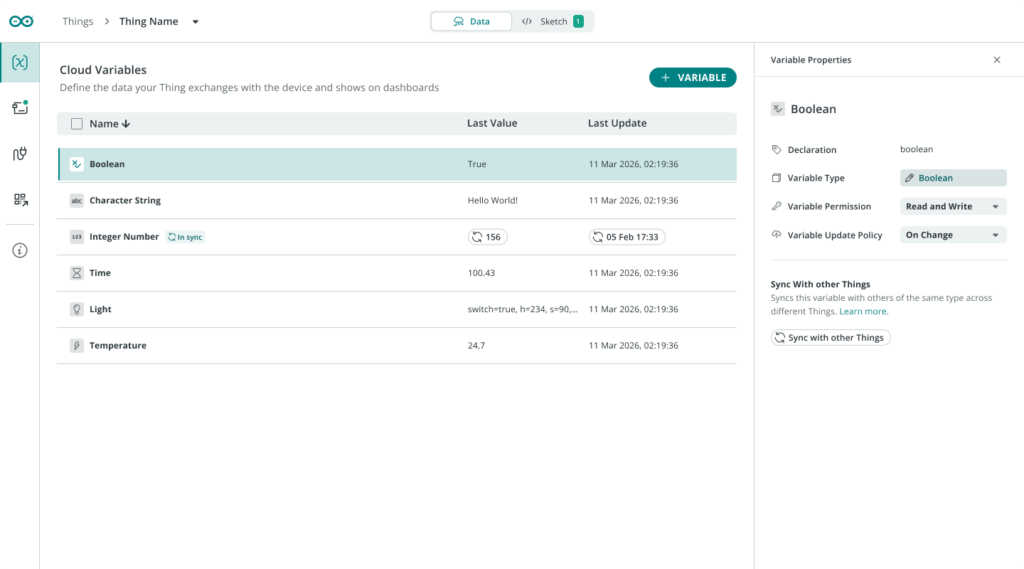
The Thing is now the central place to manage your device and Cloud variables
This is the big one. A Thing should be the center of everything in Arduino Cloud. It’s the hub. Everything else connects to it. And we wanted the whole system to actually feel like that instead of like a bunch of features bolted together.
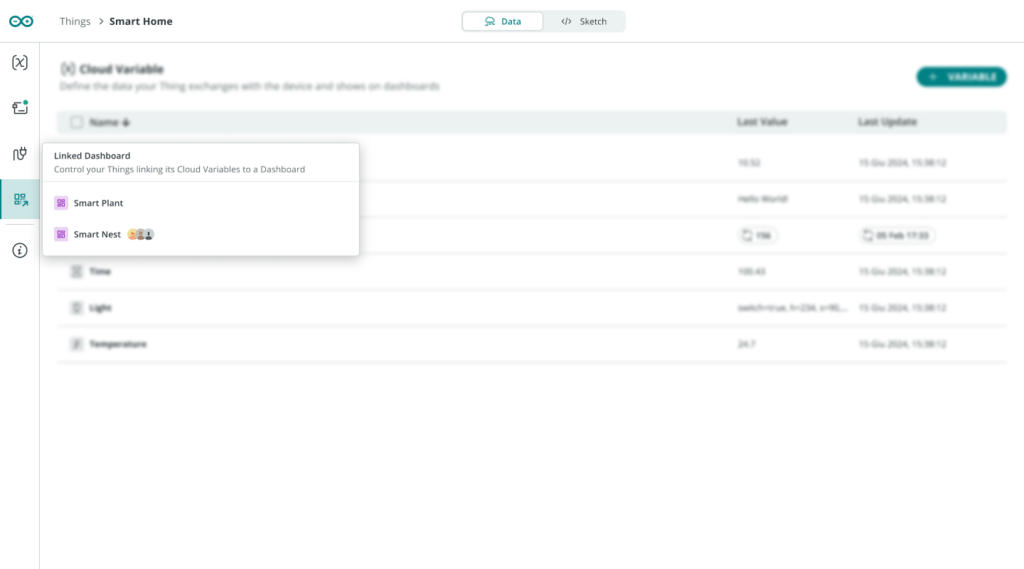
A more central and intuitive way to manage your Things
So we rebuilt the whole Thing Page from the ground up. Our design team spent a lot of time trying to make sure you can find your stuff easily. We wanted the interface to support a navigation that feels natural, friction-less. And we wanted the powerful features to just make sense, without needing to read documentation.
Up until now, you had to go to different pages to associate a Device, open the Cloud Editor, or check Triggers. You’d end up with a bunch of tabs open, constantly jumping around. It was annoying, and you could lose your bearings.
Now everything’s in one place. You can associate Devices, open the Cloud Editor, set up Triggers, and manage everything connected to your Thing without leaving the page. No more tab chaos. No more “Wait, where was I?”
This isn’t just about adding a little convenience to your journey, but about putting Things where they should be – at the center of your IoT projects. Now the Arduino Cloud interface actually reflects that.
Try it out
Everything we just talked about is live in production right now, ready for you to test out! Here’s what we recommend trying first:
- Log into app.arduino.cc (it’s free)
- Open a Thing Page. Notice how everything’s integrated right there?
- Turn on the dark theme. See how it feels – your eyes might prefer it, especially during those long coding sessions.
- Delete something, then restore it. Go ahead, try it. Head to Trash and bring it back.
As always, we’re committed to continuously improving Arduino Cloud based on your actual, ever-evolving needs. These updates represent our vision for a more intuitive, forgiving, and powerful platform – but they are also the result of essential feedback and collaboration from the community.
So, feel free to head to Arduino Forums to ask for support or let us know what you think about the new features. Let’s blaze a new path to innovation, together!
Arduino is a trademark or registered trademark of Arduino S.r.l.
The post Here’s what’s new in Arduino® Cloud: a completely rebuilt Thing Page, dark theme and more! appeared first on Arduino Blog.
Read more here: https://blog.arduino.cc/2026/04/03/heres-whats-new-in-arduino-cloud-a-completely-rebuilt-thing-page-dark-theme-and-more/