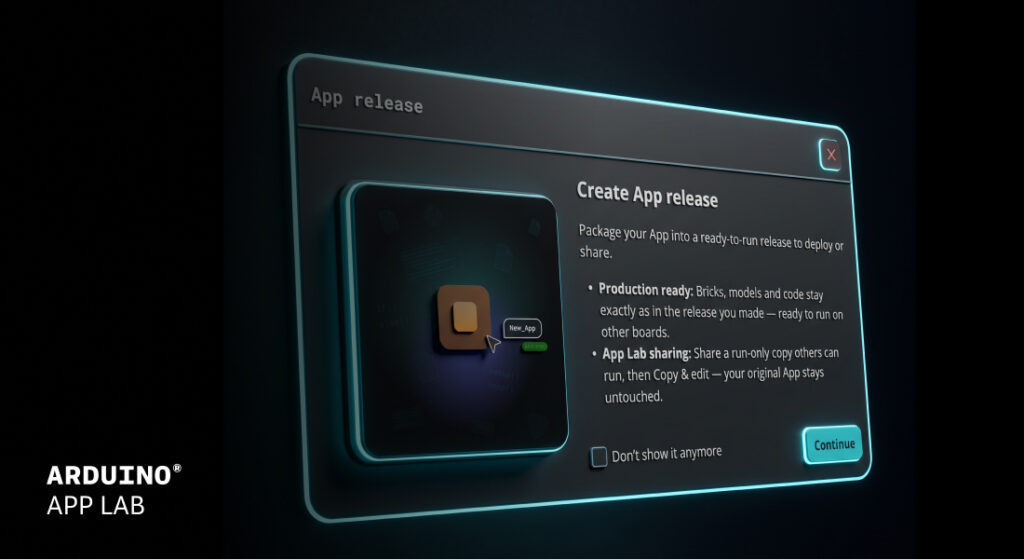
You build something great on your Arduino® UNO Q board. Now what? Arduino App Lab 0.11 is about taking your project further, whether that means shipping it to another board, getting help while you code, or teaching your device to recognize a tennis swing.
Here is what’s new!
App release: deploy to production, at scale
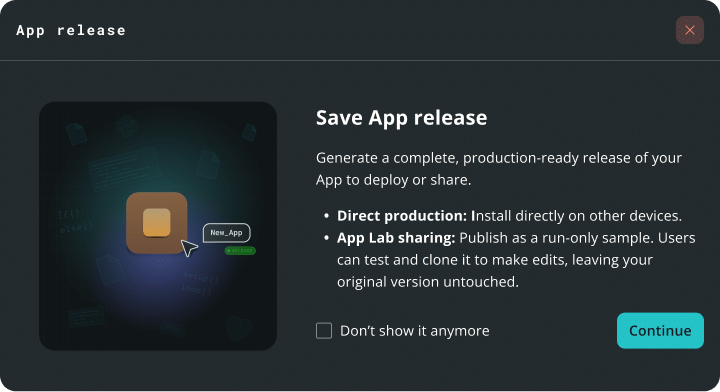
App Lab 0.11 deepens our integration with the Works with Arduino program.
App Lab now supports exporting production grade “Apps Releases,” so your project built in App Lab can be packaged for deployment without leaving the tool.
How does it work?
1. Package an app into a ready-to-run file.
2. Install it on another board.
3. Run it on compatible third-party hardware included in the Works with Arduino program.
What’s the difference between this new App release and the export feature?
Export is great for sharing a project. An app release is designed to provide a consistent, ready-to-run package. An app release is a frozen, immutable package with locked dependencies to support consistent behavior across compatible devices. Sketches are pre-compiled, which can reduce startup times. Remote dependencies like AI models are downloaded at install time, which can streamline setup across multiple boards.
Check our documentation to learn more:
Agent Panel right inside the editor
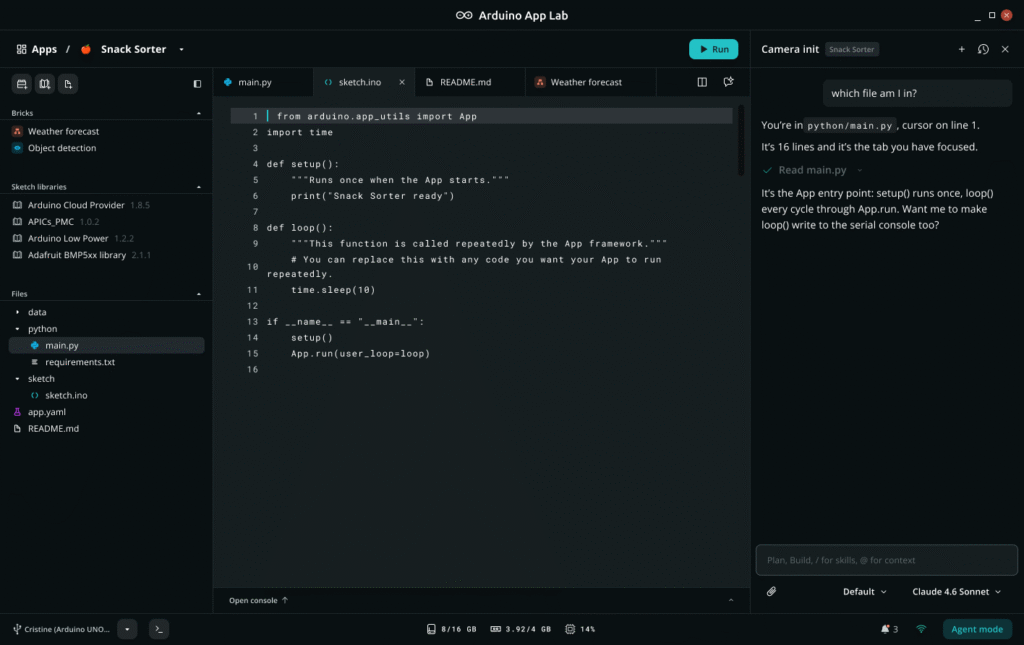
Chat with an Agent Panel next to your code to build, troubleshoot, and brainstorm ideas.
Agent Panel uses the app, files, and code open in your workspace as context, which can reduce the need to copy and paste or switch tabs. It will update files in your workspace as you chat with it in plain-language, and it keeps your chat history organized by app.
What’s the difference between the Agent Panel and Agent Mode?
Agent Mode, introduced in App Lab 0.10, is a full-window experience centered on the agent. You describe what you want and the agent creates and works on your app for you. The Agent Panel is a side chat that stays open while you work in your app. It uses the app and files you have open as context, updates them as you chat, and you run your app right there as usual.
New Pose Estimation Brick: teach your board the moves
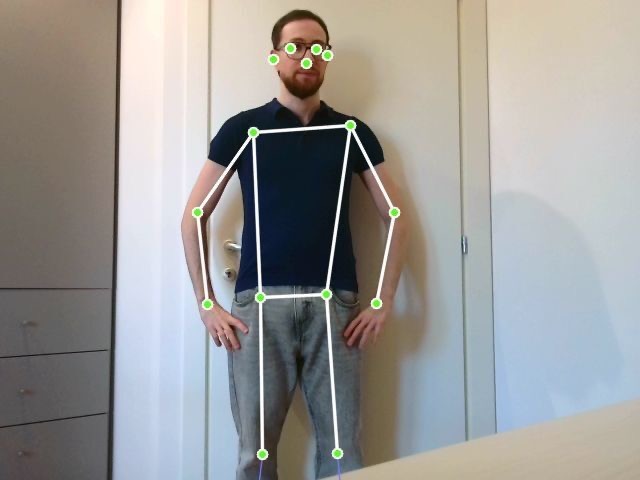
The new Pose Estimation Brick runs locally on your Arduino® VENTUNO Q and comes with two features: one with preconfigured capabilities and one that supports custom poses.
Preconfigured skeleton tracking and pose detection
The Brick tracks a 17-point body skeleton at up to 10 frames per second and draws a live overlay on your video stream. It also recognizes standard poses like standing, sitting, or arms up and down, without a separate model-training step. The demo app is just six lines of code.
Make it yours: teach it a custom pose
Need something more specific? Give the Brick a folder of photos of the pose you want, plus a folder of photos that are not that pose. No separate model-training step or additional tool is required. The photos are the whole input, and App Lab performs a recognition check before the app starts.
Want to recognize a tennis stroke? Provide representative photos to configure the custom pose.
Bring your own model
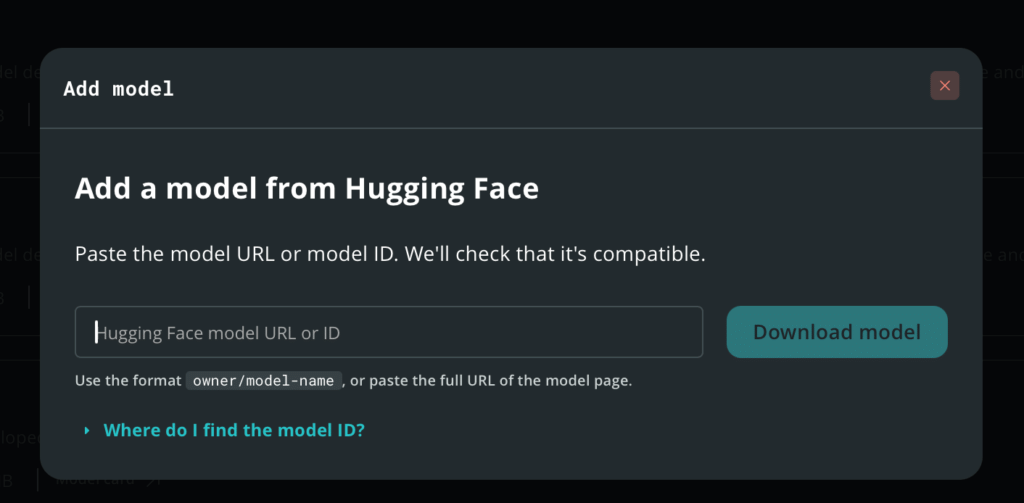
Add language models for the LLM Brick straight from Hugging Face, using a model ID or URL. App Lab checks that the model is compatible and selects a support quantization based on the model.
Check out the documentation at this link: Custom model import documentation
Your phone is now a sensor board
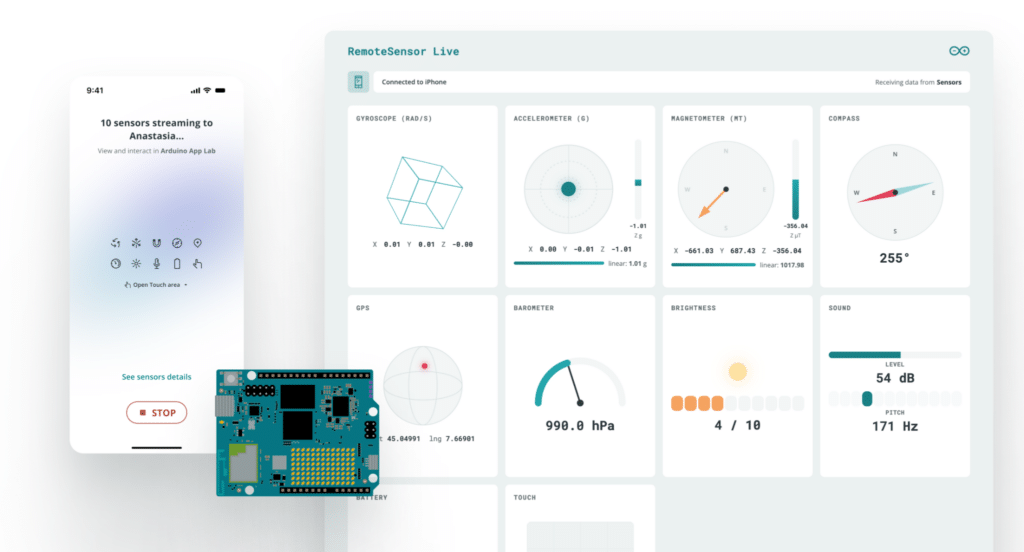
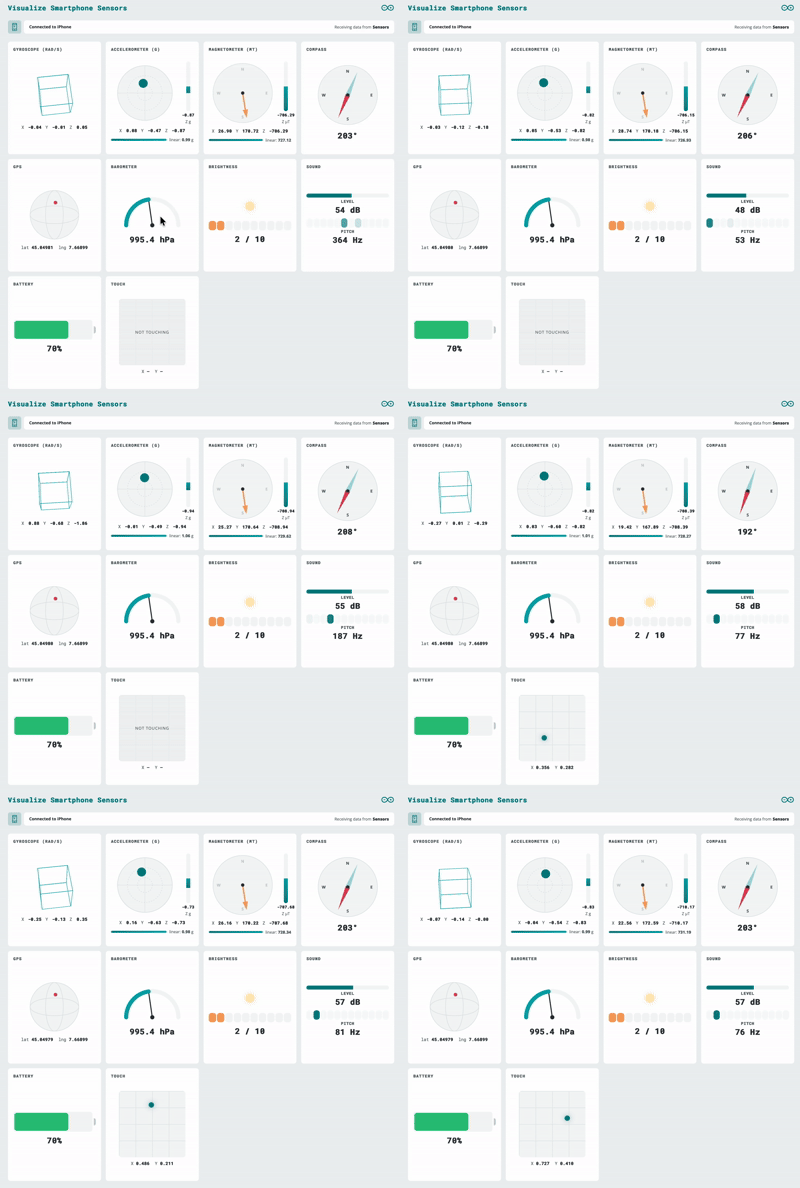
The Mobile Companion App now streams more than the camera.
Microphone and IMU data now flow into App Lab through a new remote sensor peripheral, at high frequency over WebSocket, with password protection and encryption options. Data is sent as JSON, so you can define your own keys. Because it is built on WebSockets, compatible external devices can stream data to your board using the supported WebSocket interface, which can support remote-control and IoT use cases.
Know where you are, even when GPS struggles
In this short demo, Anthony Hebert and Stefano Implicito show how easy it is to get started and put TPS to the test by finding Andy in the middle of a crowded show floor.
We showed the Qualcomm Terrestrial Positioning Service (TPS) running on UNO Q at The Things Conference 2026 on September 28th. It uses nearby Wi-Fi, cellular, and Bluetooth LE signals to support positioning while managing power consumption. A new TPS brick and example provide a way to evaluate the service.
Also in Arduino App Lab 0.1
- VENTUNO Q flashing: flash your board from the built-in flasher in Settings.
- Board extensions: select and configure the carriers and JHAT add-ons attached to your board from the Settings page.
- Publish to Arduino Project Hub: upload your app as a project draft from the App menu.
- Editor improvements: Find All References for Python and C++, YAML syntax checking, any file or folder name, and a separate console tab for each Brick container.
Get started
Download Arduino App Lab 0.11 today and tell us what you build!
For the full list of changes, see the release notes.
Arduino, UNO, Works with Arduino, and the Arduino logo are trademarks or registered trademarks of Arduino S.r.l.
The post Arduino® App Lab 0.11 is here appeared first on Arduino Blog.
Read more here: https://blog.arduino.cc/2026/10/22/arduino-app-lab-0-11-is-here/