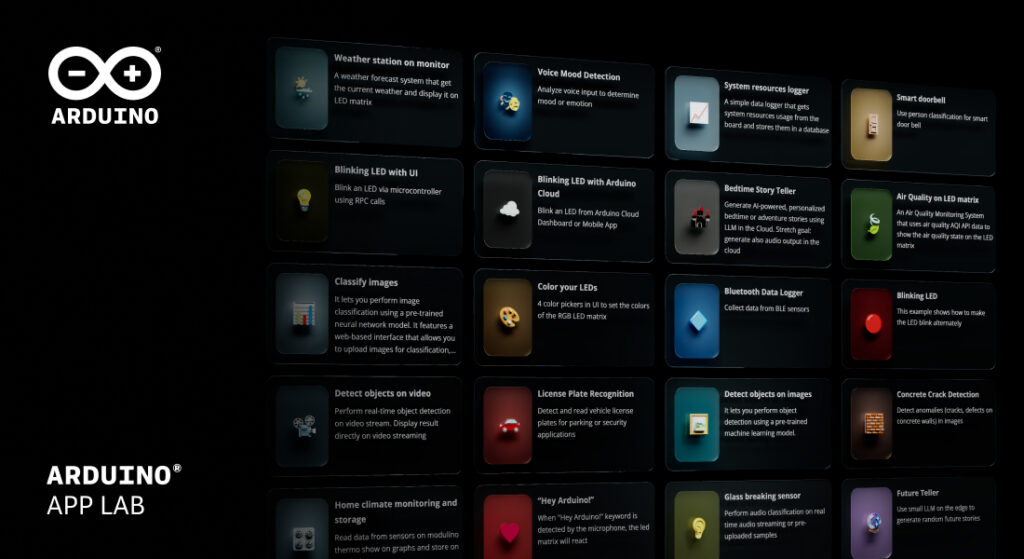
We’re excited to announce Arduino App Lab 0.6, a release that makes managing your Arduino® UNO Q board easier, extends your creative toolkit, and brings AI capabilities right to your fingertips.
A new settings page for full board visibility
The standout feature in 0.6 is the new board settings page. Think of it as mission control for your UNO Q: everything you need to know about your board in one place. At a glance, you can see your firmware version, operating system details, and whether updates are available.
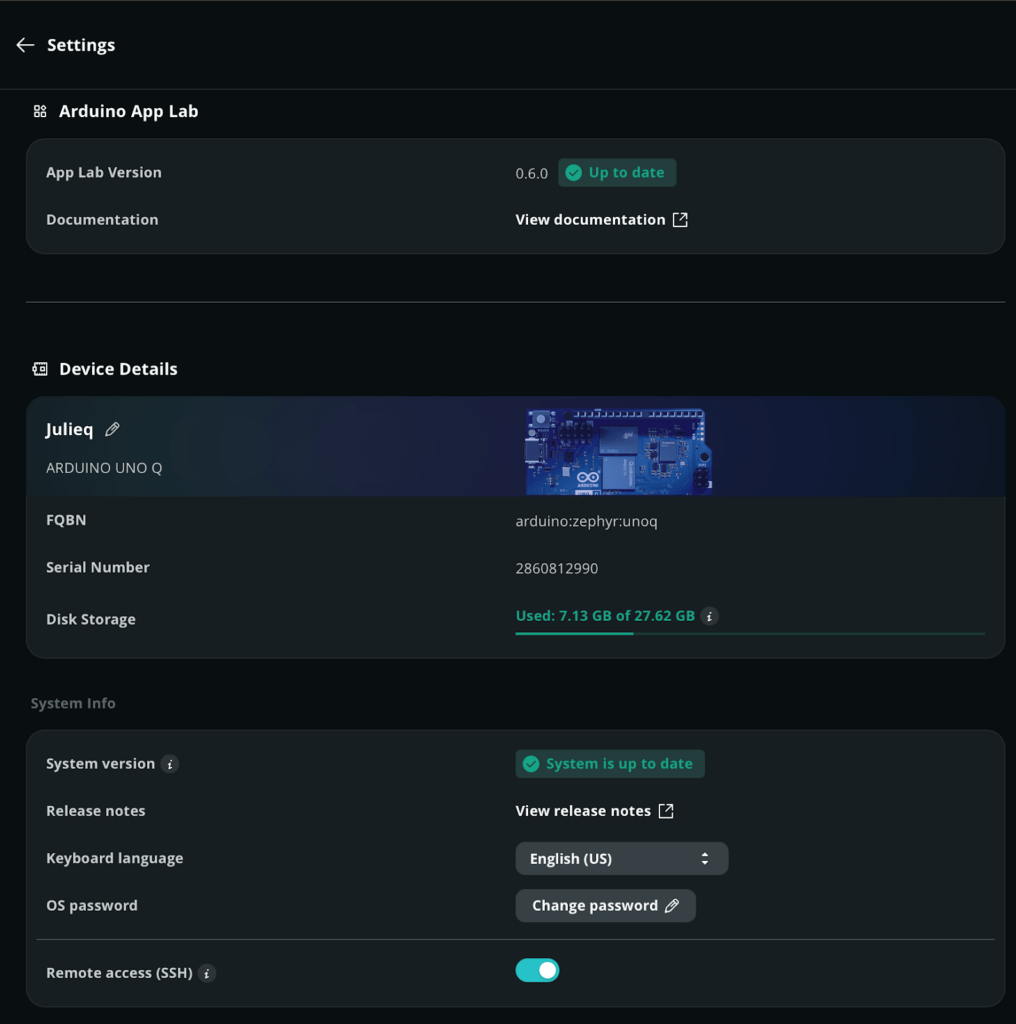
New settings page gives you full visibility into your board
You can also access your board’s serial identifiers, system specs, kernel information, and configuration options like external sensor support, keyboard language, and remote access.
No more hunting through menus or switching between tools. It’s the kind of feature that just makes sense once you start using it.
Retrain your Edge Impulse models with one click
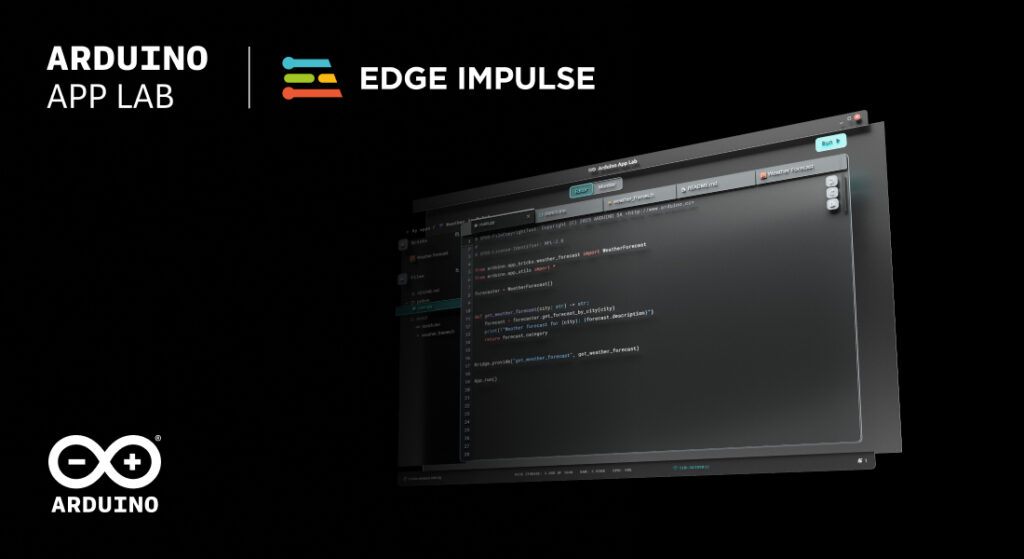
New Bricks, new examples!
The 0.6 release brings fresh Bricks to your toolbox:
- Sound Generator Brick: Create audio feedback, alarms, or musical elements with ease.
- Telegram Bot Brick: Connect your projects to Telegram for notifications, remote control, and more.
- Automatic Speech Recognition (Cloud) Brick: Build voice-controlled projects without the complexity of managing inference pipelines yourself.
And here is something every beginner (and veteran) will appreciate: every Brick now includes a basic use example.
For instance, here are a few more examples that show what is possible:
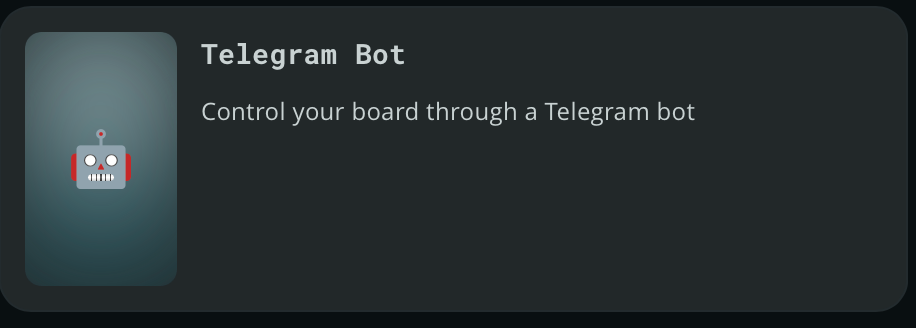
- Telegram Bot: See how to wire up messaging and commands.
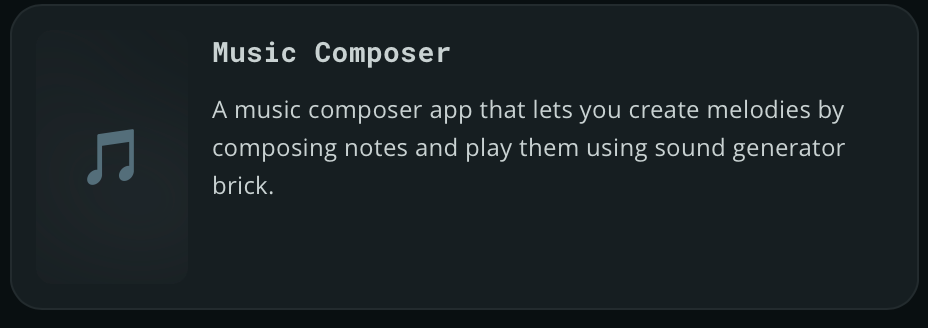
- Music Composer: Turn your UNO Q into a musical instrument.
- Cloud AI Assistant: Explore conversational AI integration.
As a reminder, you can save a copy of any of these pre-built examples into your own apps in the Arduino App Lab, then run it quickly on your UNO Q.
Try Arduino App Lab now
Arduino App Lab 0.6 is available now for UNO Q. Update through the app or download the latest version from arduino.cc/app-lab. The full changelog and technical documentation are available in our release notes.
What will you build with 0.6? Share your projects with us on Arduino Project Hub or tag us on social media. We can’t wait to see what you create.
Get started in your edge AI development journey
- Arduino App Lab latest documentation
- UNO Q documentation
- Find inspiration on Project Hub
- Download Arduino App Lab
- Purchase UNO Q
Arduino is a trademark or registered trademark of Arduino S.r.l.
The post Arduino® App Lab 0.6: more control, more Bricks, faster AI appeared first on Arduino Blog.
Read more here: https://blog.arduino.cc/2026/04/06/arduino-app-lab-0-6-more-control-more-bricks-faster-ai/