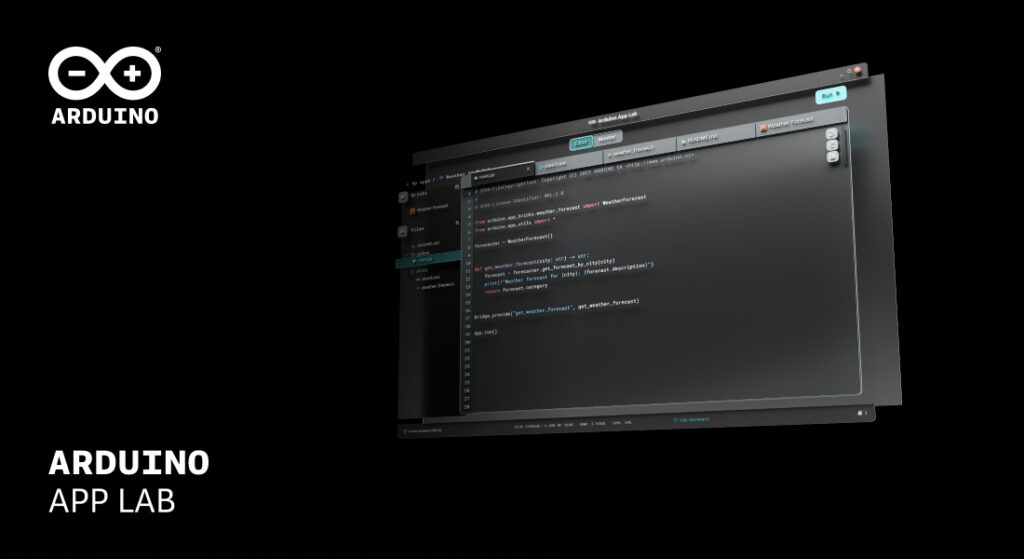
We’re excited to introduce a new version of Arduino App Lab, designed to make building, testing, and sharing applications easier and more secure. This update centers around enhancing the flexibility of App Lab, so you can focus on what’s important: building – whether you’re a student, educator, or experienced maker working with the Arduino® UNO Q (now available in the 4GB variant).
The release brings five big upgrades, each aimed at simplifying your workflow and unlocking new possibilities:
1. Import and export your applications in one click
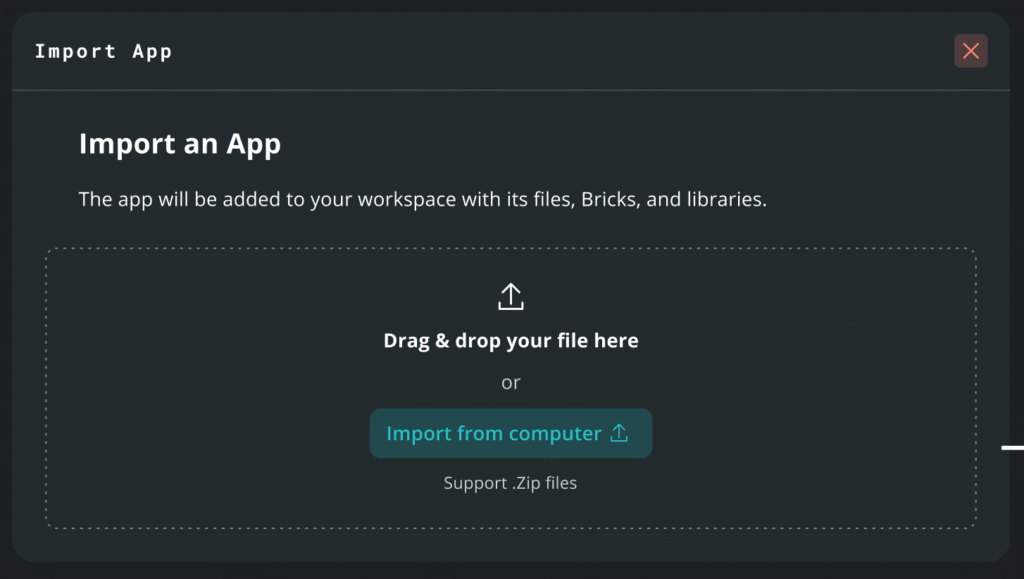
Import shared App Lab projects instantly from a .zip file
Introducing a super impactful addition to Arduino App Lab: the ability to export applications from the UNO Q to your computer, and import them back into Arduino App Lab.
With the new import/export capability, users can now:
- Back up their applications safely before updates or experiments.
- Import any shared project as a standard .zip file.
- Package and export apps quickly.
Explore and share on Arduino Project Hub:
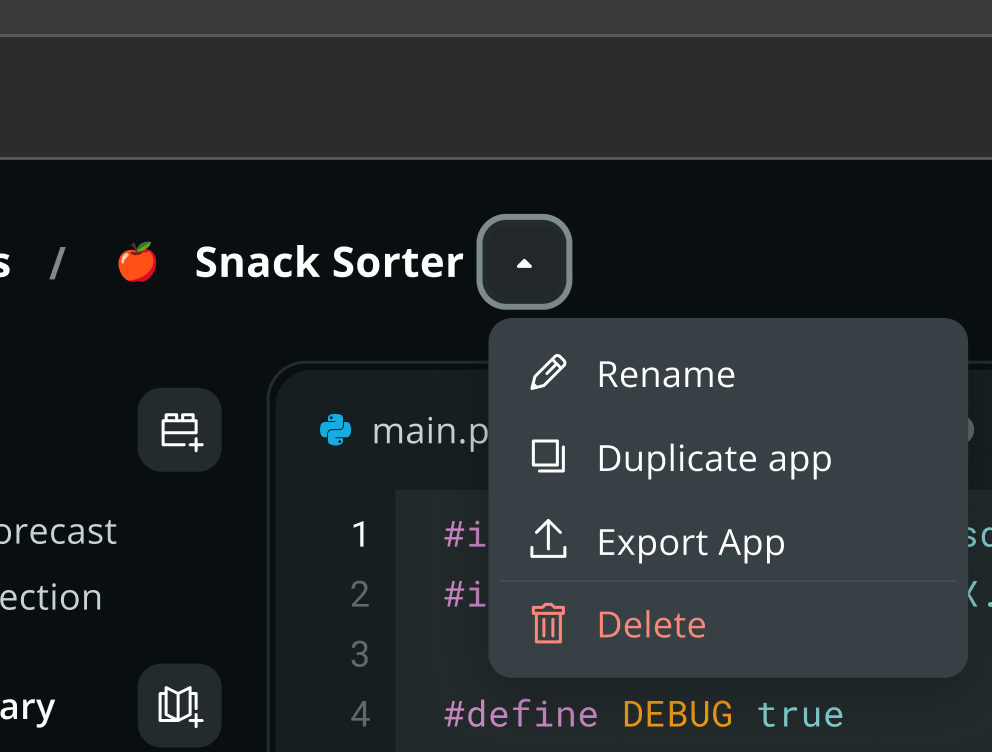
Now, with export/import support, it’s easier than ever to upload your own apps, learn from others, remix shared projects, or teach using real examples on Arduino Project Hub. It is the place to show the community what you’ve built and look for new inspiring projects. Check out community favorites like the UNO Q Arcade Cabinet Machine or the UNO Q Desk Robot with Full AI Chat and Videotronic OS — and then share your own.
2. Integrated Flasher tool for outdated boards
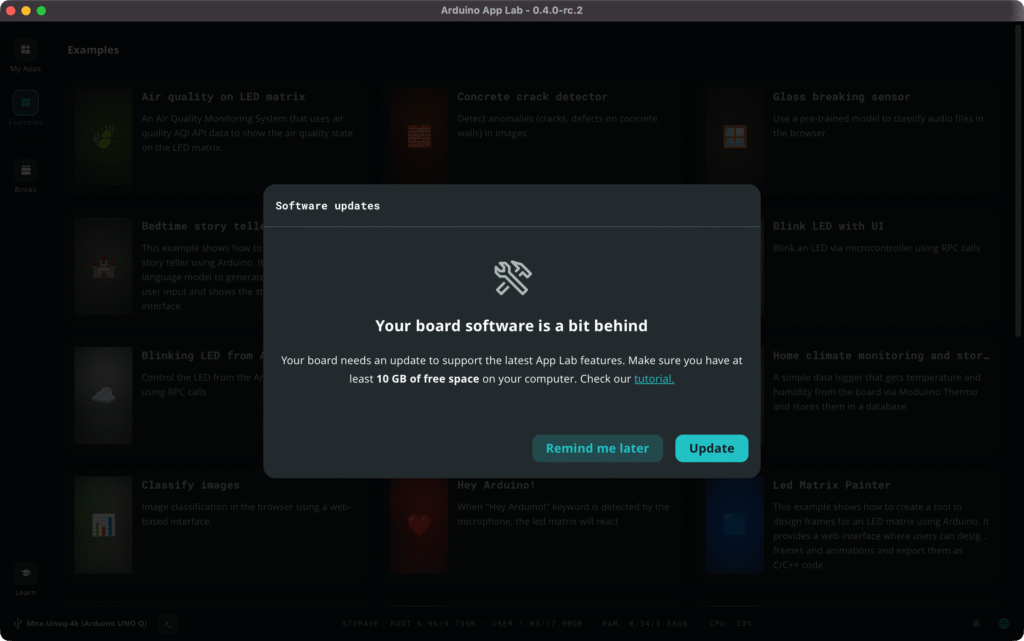
Built-in flasher tool for updating the UNO Q OS image
Keeping your UNO Q operating system image up to date is now simpler than ever. Arduino App Lab automatically detects if your UNO Q has an outdated image and guides you through updating directly inside the app, no need for CLI tools or terminal commands.
3. “Work without WiFi” step
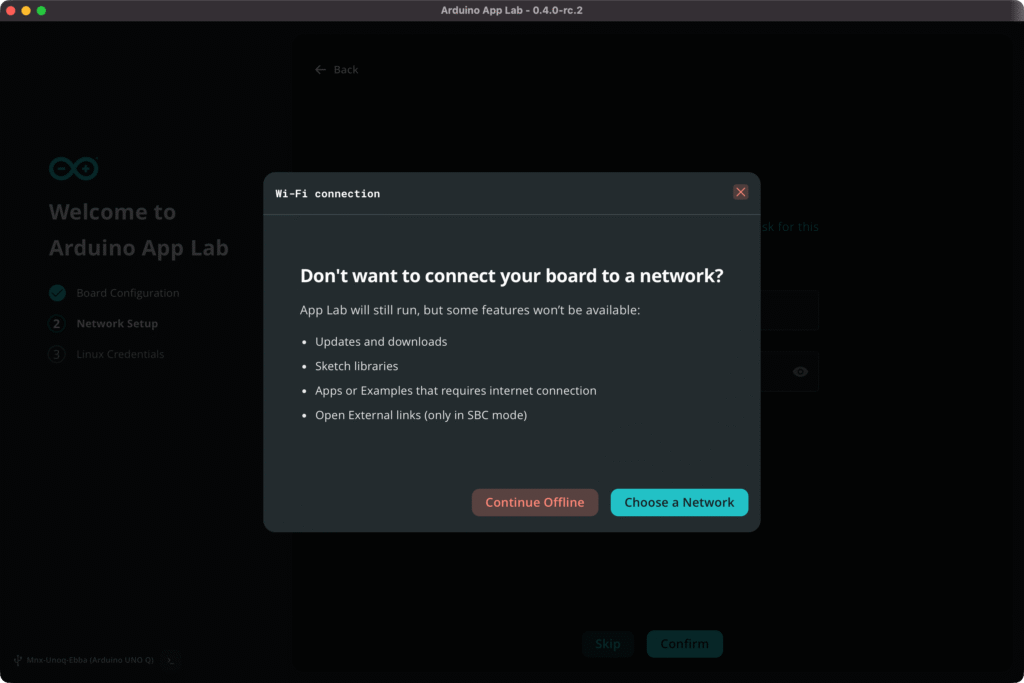
Arduino App Lab clearly shows what works offline and what doesn’t
For users working offline or in low-bandwidth situations, Arduino App Lab now allows you to skip connecting your board to the internet at the click of a button, with a dedicated explanation of what features require the board to have an internet connection.
If you just want to code, browse applications or read our integrated learn section, you no longer need to set up an internet connection to enter Arduino App Lab and get tinkering.
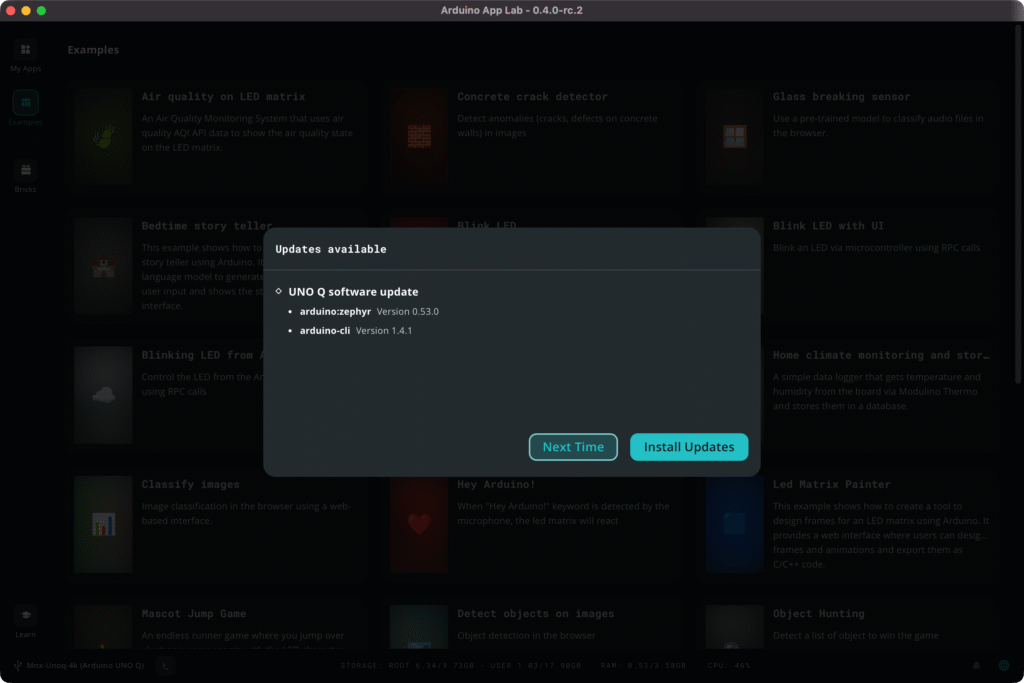
In a rush? Skip updates and keep working
Arduino App Lab now allows users to skip Arduino App Lab and board software updates. Whilst we recommend always staying up to date to get new features and fixes as soon as they’re available, this functionality can be particularly helpful for people in time sensitive situations like demos or production deployment analyses.
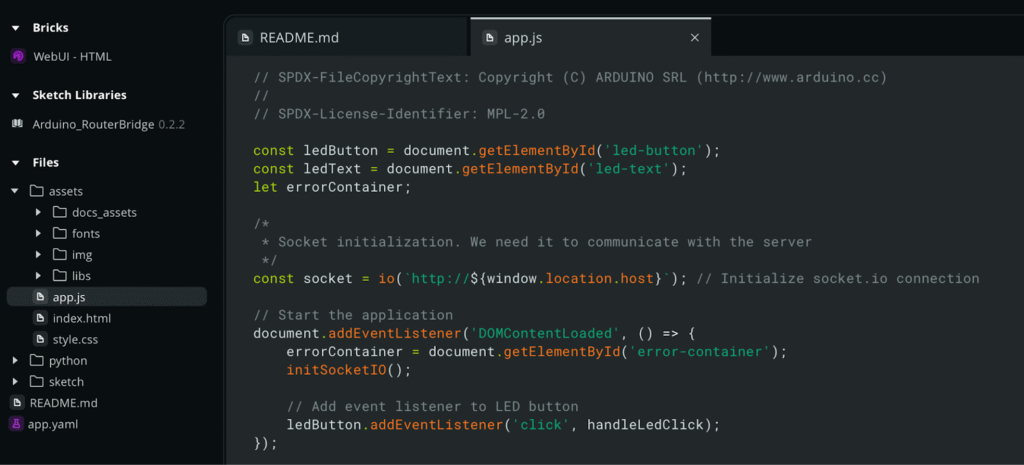
5. Syntax highlighting for web development code
Editing your application’s UI and interactions just became more comfortable. Arduino App Lab now supports syntax highlighting for HTML, CSS, JavaScript, and related web?dev languages, improving readability and reducing errors for users building interfaces.
Get started in your edge AI development journey
Check out these resources:
- Purchase an UNO Q
- Arduino App Lab documentation
- UNO Q documentation
- Find inspiration on Arduino Project Hub
- Download Arduino App Lab
The post Introducing the latest Arduino App Lab release appeared first on Arduino Blog.
Read more here: https://blog.arduino.cc/2026/02/04/introducing-the-latest-arduino-app-lab-release/